


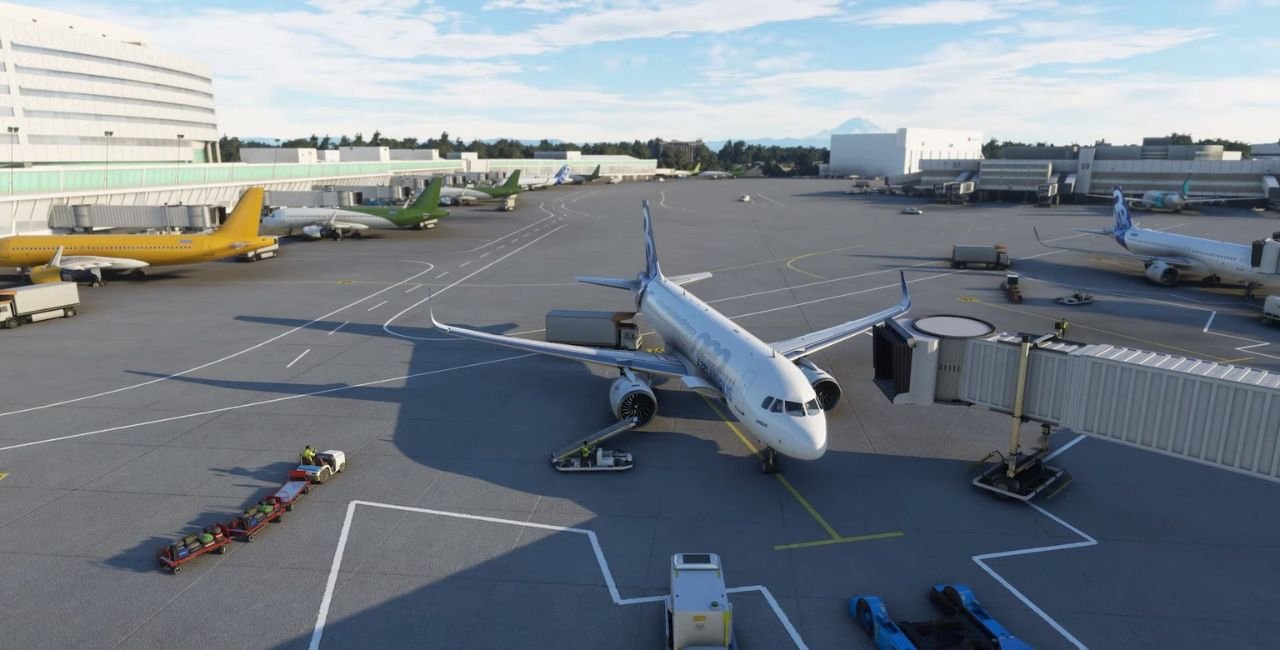
If you love flying big jets into busy hubs, kdfw airport mfs2020 delivers the thrill. Dallas Fort Worth International Airport, or KDFW, ranks as one of the world’s top spots for passengers and planes. In Microsoft Flight Simulator 2020, it shines with addons that fix flaws and add details. This guide covers everything from free tweaks to premium sceneries. Get ready to taxi those long runways and park at packed gates.
Why Fly into kdfw airport mfs2020?
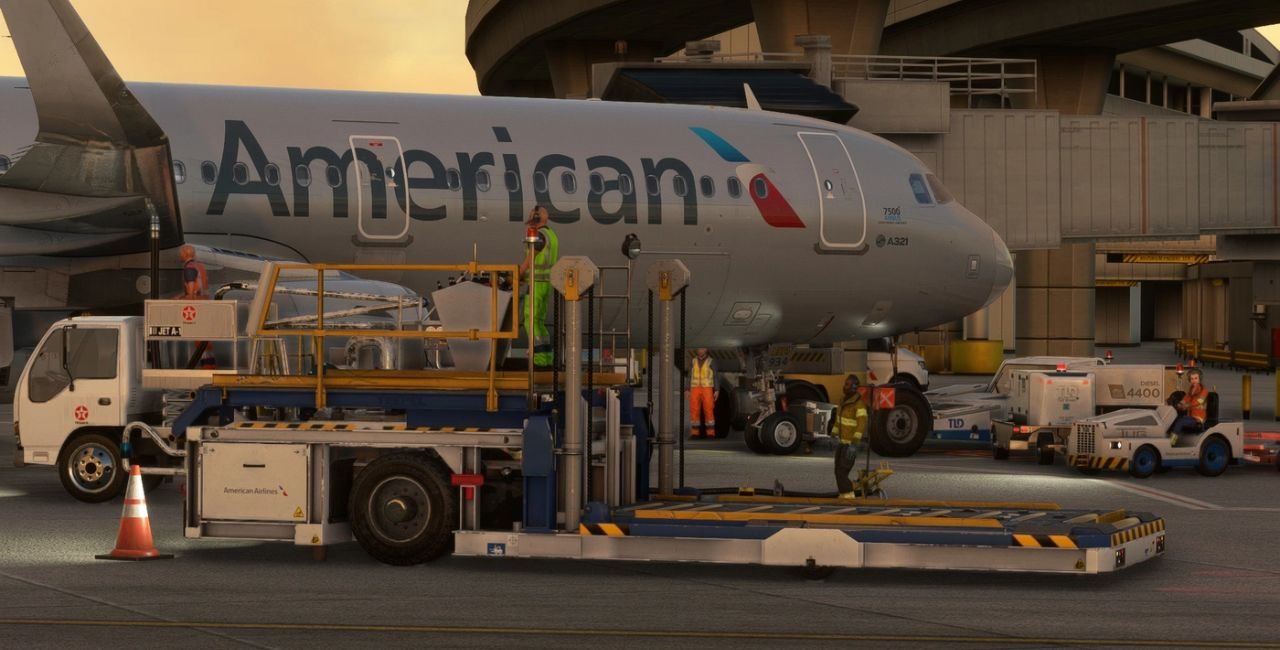
KDFW calls pilots from everywhere. It’s home to American Airlines and handles massive traffic. Picture this: seven runways stretch over flat Texas land. Five terminals circle the core, linked by the Skylink train. Over 86 million passengers zip through yearly. Cargo jets haul goods worldwide.
In MSFS 2020, the default version comes from World Update 2. It looks good at first. But bumps on taxiways, missing lights, and blurry spots bug players. Addons step in to make it real. Free ones clean up fast. Payware packs wow with jetways and animations. You’ll feel like a pro captain.
KDFW opened in 1974. Back then, it was the world’s biggest airport. Today, it covers 17,000 acres – bigger than many towns. Seven runways handle giants like the Boeing 777 or A380. Here they are:
- 17L/35R: 8,500 feet – great for smaller jets.
- 17C/35C: 13,400 feet – heavy haulers love it.
- 17R/35L: 13,400 feet – parallel power.
- 18L/36R: 13,400 feet – south flow favorite.
- 18R/36L: 13,400 feet – matches the big ones.
- 13L/31R: 9,000 feet – east-west option.
- 13R/31L: 9,300 feet – extra space.
Terminals A to E pack 160+ gates. Terminal A suits international flights. B and D host American Airlines. C and E mix low-cost carriers. Skylink trains zip passengers fast – no walking miles.
Stats blow minds:
- Passengers: 85.6 million in recent years (3rd globally).
- Operations: 680,000+ flights yearly.
- Cargo: 859,000 tons.
- Destinations: 265 spots in 37 countries.
Wind shifts often. North flow uses 17s/35s. South flow flips to 18s/36s. Real pilots watch weather close. In sim, it adds challenge.
Default kdfw airport mfs2020: Solid Start, Needs Help
MSFS 2020’s base KDFW shines with photogrammetry. Buildings pop. Runways line up right. But issues pop up:
- Flooded roads near edges.
- Bumpy taxiways jar your plane.
- No ramp lights at night.
- Construction zones lack fences.
World Update 2 fixed some. Later sim updates helped more. Still, FPS dips in busy spots. AI traffic clips buildings. Don’t sweat it – free addons fix most.
Pros of default:
- Free and quick load.
- Good for quick hops.
- Matches real charts.
Cons:
- Low-res textures.
- Missing details like gate signs.
Test it yourself. Load a 737 from KDFW to KLAX. See the gaps.
Best Free Addons for kdfw airport mfs2020
Free goodies make default great. Top pick: FreakyD’s fix on Flightsim.to. It adds ramp lights, fences, and flattens bumps. Over 4,200 downloads prove it works. Users love the night glow. Some note SU12 bugs, but author explains stock limits.
Grab it here.
Install steps:
- Download ZIP.
- Unpack to Community folder.
- Restart sim.
- Fly at dusk – lights stun!
Other frees:
- KDFW Updates and AI Parking Fix: Smooths traffic spots.
- Night Lighting Fix: Early gem for dark ops.
- FSLTL Static Aircraft: Parks planes at gates.
These keep FPS high. Perfect for beginners.
Top Payware: ImagineSim KDFW Review
Want pro level? ImagineSim’s KDFW rules. Released in 2025 for MSFS 2020 (and 2024 free upgrade). £24.99 buys huge value. Five detailed terminals. All seven runways sharp. Cargo zones busy. Skylink train moves! Jetways swing real. SafeGate guides docking.
Key wins:
- PBR textures shine day/night.
- 170+ gates match real.
- Low impact – 80+ FPS even with AI.
- Operations Center tweaks easy.
Reviews mix: 2.6/5 on some sites, but forums praise updates. One pilot: “Top 5 of 92 US addons!” FPS jumps from 40-55 to 83.
Buy at ImagineSim or MSFS Marketplace.
Pros:
- Accurate to 2025 layout.
- Animations pop.
- Blends with world scenery.
Cons:
- Early bugs fixed in patches.
- Pricey for casuals.
- I’ve logged 50+ hours. Feels alive.
New to addons? Follow these steps. Works for free or paid.
For Flightsim.to files:
- Log in (free account).
- Download.
- Extract to Users
- Launch sim.
For Marketplace:
- Search “ImagineSim KDFW”.
- Buy/install in-game.
Troubleshoot:
- FPS low? Lower traffic.
- Conflicts? Disable others.
- Updates? Check developer site.
Reassuring tip: Back up Community folder first. Takes 2 minutes.
Master Flying at kdfw airport mfs2020: Tips and Procedures
KDFW demands skill. Busy patterns. Long finals. Use Navigraph or SkyVector for charts.
Top aircraft for KDFW:
- Boeing 787 Dreamliner – American’s star.
- Airbus A321neo – Short hops perfect.
- Boeing 777 – Heavy international.
- Embraer E175 – Regional feeder.
- Default 747 – Fun cargo runs.
Arrival tips:
- ILS 18L: Visual from DFWMAN. Expect delays.
- RNAV RWY 17R: GPS magic for south flow.
- STARs: TRENT2, MGNTM – plan fuel.
Steps for ILS 18R:
- Load TRENT2 STAR.
- Descend to 10,000 at TRENT.
- Arm ILS, speed 180.
- Configure gear at 5 miles.
- Touchdown firm – long runway forgives.
Departure:
- SID: IRKEE5 off 18L.
- Climb thrust early – traffic stacks.
Weather hacks:
- Thunderstorms? Vectors common.
- Crosswinds? Crab into gusts.
Practice VFR first. Spot towers from afar.
5 Pro Tips:
- Use GSX profiles for pushback.
- Match real traffic with FSLTL.
- Night flights? Addon lights dazzle.
- Multiplayer? Join busy servers.
- Record landings – share wins!
Big airport taxes rigs. Keep smooth with these:
Settings tweaks:
- Terrain LOD: 100.
- Traffic: 50-70%.
- Objects: Medium.
Addon combos:
- World Update 10 base.
- FreakyD fix + static planes.
- ImagineSim + GSX.
Expect 60+ FPS on mid PC. Test in free flight.
Quick fixes:
- Close apps.
- Update GPU drivers.
- Use DX12.
You’re set for buttery flights.
Compare Addons: Default vs Free vs Payware
| Feature | Default | Free (FreakyD) | ImagineSim |
|---|---|---|---|
| Runways | Good | Same + flat | Detailed PBR |
| Terminals | Basic | Lights/fences | Full models |
| Jetways | Stock | No | Animated |
| FPS Impact | Medium | Low | Optimized |
| Price | Free | Free | £25 |
| Best For | Quick | Night fixes | Immersion |
Payware wins detail. Free saves cash.
GSX Profiles: Ground Life at KDFW
GSX turns parking pads alive. Free profiles match ImagineSim gates. Custom pushbacks avoid clips. De-icing pads ready for winter. Download top ones from Flightsim.to.
Why use?
- Real gate agents.
- Fuel trucks precise.
- Catering matches airlines.
Mega-Hub profile packs 190 flights daily.
Future of kdfw airport mfs2020
MSFS 2024 ports ImagineSim free. iniBuilds eyes it too. Community fixes keep 2020 fresh. Expect more AI traffic.
FAQ: kdfw airport mfs2020 Quick Answers
Is default KDFW good? Yes for starters. Addons elevate it.
Best free addon? FreakyD’s lighting fix.
ImagineSim worth it? Yes for fans. Great perf.
GSX needed? Enhances, not must.
Charts where? Navigraph or FAA site.
Conclusion
kdfw airport mfs2020 offers endless fun. From default basics to ImagineSim polish, pick your level. Master runways, dodge traffic, enjoy Texas sunsets. Real stats match sim thrills – 86M passengers, seven monsters.
Grab a free fix today. Upgrade if hooked. Smooth skies await.
What’s your go-to aircraft for landing at kdfw airport mfs2020?
